
What Internet Speed Do You Need for IPTV?
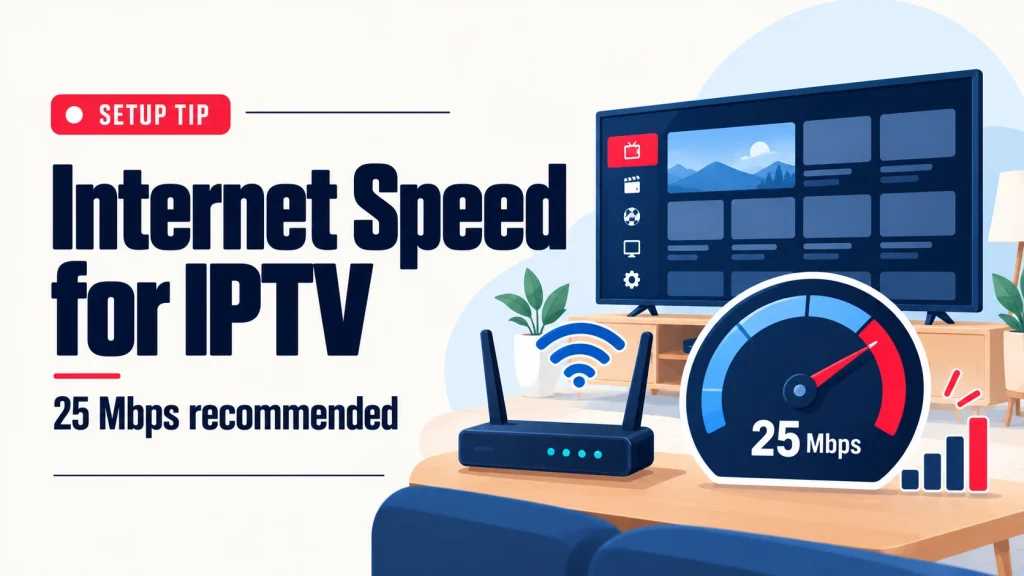
Short answer: We recommend at least 25 Mbps for smooth HD and Full HD IPTV. A wired connection or strong Wi-Fi near your TV matters just as much as the number on your internet plan.
What does “Mbps” mean?
Mbps means megabits per second. It measures how much data your connection can deliver each second. A live TV stream is a steady flow of video data, so your connection has to keep delivering it without gaps. When it cannot keep up, the picture pauses to catch up. That pause is buffering.
How much speed do you need?
For our service we recommend 25 Mbps or more. That gives an HD or Full HD stream room to stay smooth while phones, laptops and other devices share your home connection.
Keep two things in mind:
- The speed is shared. If someone is downloading a large file or playing online while you watch, there is less left for your TV.
- The speed at your TV is what counts. Your plan may say one number, but a TV far from the router can receive much less over Wi-Fi.
How to check your speed
- Run an internet speed test on a phone or laptop while standing next to your TV.
- Look at the download number. That is the one that matters for watching.
- Test again in the evening, when you would normally watch. Speeds can drop at busy times.
If you see 25 Mbps or more at the TV, you are ready.
Wi-Fi or wired?
A wired connection gives the steadiest picture, especially for live sports. If your TV or streaming device has a network port and the router is close, a cable is the best choice.
Wi-Fi works well too when the signal is strong. If your picture buffers on Wi-Fi, the signal at the TV is the first thing to check.
5 ways to get a smoother picture
- Move the router closer to the TV, or the TV closer to the router, and keep the router out in the open.
- Use a cable between the router and your TV or streaming device if you can.
- Restart your router if the picture suddenly gets worse.
- Pause big downloads on other devices while you watch.
- Test at the time you watch. If evenings are always slow, talk to your internet provider.
Still buffering?
Message us on WhatsApp with your device and what you see on screen, and we will help you find the cause. For a step-by-step connection checklist, see how to fix IPTV buffering. Setup basics for each screen are on our supported devices page.
Not a customer yet? The best speed test is the real thing: ask for a 24-hour IPTV free trial and watch on your own connection before you choose an IPTV subscription.