
IPTV with PPV: How Pay-Per-View Events Work on IPTV
Short answer: IPTV with PPV means pay-per-view events reach you through the same app and channel list as your regular live TV. With IPTV Subscription Now, PPV events are included in every plan, so there is no separate purchase for each event. You need an active plan, a compatible device and an internet connection of about 25 Mbps.
For the wider sports context, see our guide to IPTV for sports.
What is PPV?
PPV stands for pay-per-view. It is a way of selling one live event at a time, separately from a normal channel package. Instead of being part of your monthly TV bill, the event has its own price, and you buy access for that one night.
The format is used most for fight sports: boxing, mixed martial arts and wrestling. It is sometimes used for concerts and other one-off specials too. A typical event runs for several hours, with earlier bouts first and the main event at the end.
The traditional way to watch is to order the event through a cable or satellite box, or through a separate app, and pay each time. For a fan who follows fight sports all year, those single purchases add up quickly.
How PPV works on IPTV
On IPTV, a pay-per-view event is delivered the same way as any other live channel: over your internet connection, inside your player app. There is no extra box and no second app. On our plans there is no extra payment either, because PPV events are included in every plan.
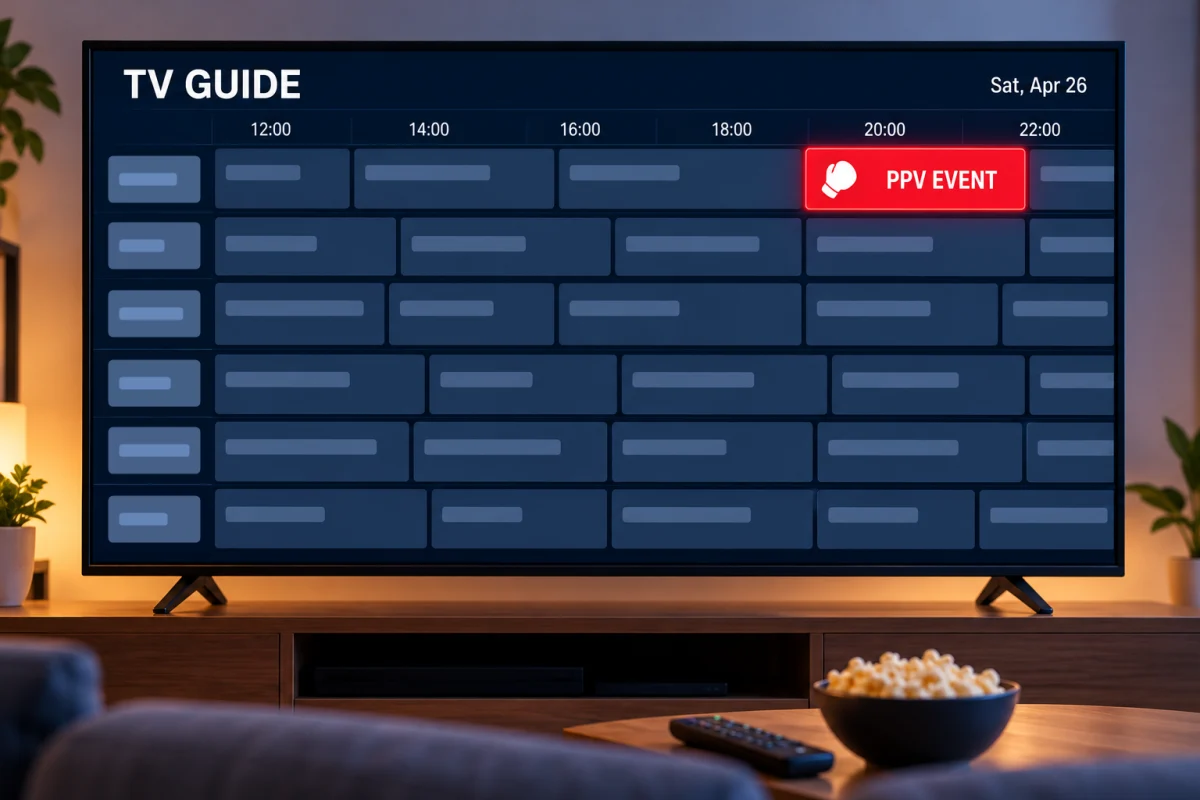
In practice, PPV on IPTV works like this:
- Event channels appear in your channel list. You open them like any other live channel, with the same remote and the same app.
- The TV guide shows the event. The guide (EPG) tells you what is on now and what starts next, which is how you confirm you are on the right channel.
- Start times follow the event, not your time zone. An event held in another city or another country may start in the afternoon or late at night where you live. Check the start time in the guide earlier in the day.
- You watch it live. We do not promise a replay after an event ends, so plan to watch as it happens.
One honest point: we do not publish event listings, and we do not promise a specific event in advance. If one particular night matters to you, ask us on WhatsApp before you order and we will tell you what to expect.
What you need to watch PPV on IPTV
You need three things, and most homes already have two of them.
An internet connection of about 25 Mbps
We recommend at least 25 Mbps for smooth HD and Full HD streaming. Event nights are busy at home as well: if other people are streaming or playing online at the same time, more speed gives you a margin.
A device you already own
IPTV PPV events play on the same devices as the rest of the service: Firestick, Smart TVs, Android TV, Apple TV, iPhone and iPad, Android phones, Windows PCs and Macs. For a fight night, the biggest screen in the house is the obvious choice. If your TV is older and has no apps, a streaming stick plugged into an HDMI port does the job.
A plan that is active before the event
Your plan has to be running when the event starts. Activation takes minutes once your order is confirmed on WhatsApp, but do not leave it to the last hour. Order at least a day ahead, so you have time to install the player app, sign in and get used to the guide.
PPV on IPTV vs buying each event
Buying events one at a time and having them inside a plan are two different ways to pay for the same kind of night. This is how they compare.
| Buying each event | PPV on our IPTV plans | |
|---|---|---|
| How you pay | A separate price for every event | Included in the plan, paid once |
| What you get | That one event | PPV events plus 17,463+ live channels, 71,278+ movies and 18,850+ series |
| Where you watch | The seller’s box or app | The player app on a device you own |
| Commitment | None, but you pay again next time | 1, 3, 6 or 12 months, no contract, no automatic renewal |
| If it is not right | Depends on the seller | 30-day money-back guarantee |
If you watch one event a year, a single purchase can be enough. If you follow boxing or mixed martial arts (UFC) through the year, or you also want football, basketball and the rest of the season, a plan with PPV included is the simpler way to do it. Our guide to IPTV for sports covers the other sports in the channel list.
See the picture on your own TV first. Ask for a 24-hour IPTV free trial on WhatsApp. You get full access, no card is needed, your login arrives within minutes, and the trial ends by itself. Request your free trial on WhatsApp.
Which plan do you need for IPTV with PPV?
Any of them. PPV events are not an add-on and there is no special tier: every IPTV subscription we sell includes them, along with the full channel list, the movie and series library and the TV guide. The plans differ only in length.
| Plan length | You pay once | Per day |
|---|---|---|
| 1 Month | $11.99 | $0.40 |
| 3 Months | $28.99 | $0.32 |
| 6 Months | $41.99 | $0.23 |
| 12 Months | $56.99 | $0.16 |
Events are spread through the year, so a longer plan covers more of them for less per month. The 12-month IPTV subscription works out at $4.75 a month. All four lengths are side by side on our cheap IPTV subscription plans page.
Tips for event night
Whether it is boxing on IPTV or any other big night, a live event gives you one chance. These habits make sure the only drama is on the screen.
- Test the day before. Open the app, play a live sports channel for ten minutes and make sure the picture is steady on the TV you plan to use.
- Find the event channel early. Look for it in the guide during the afternoon, and add it to your favorites if your app allows it.
- Arrive early. Tune in fifteen to twenty minutes before the start. The first bouts are a good moment to check everything while there is still time to fix it.
- Use a wired connection. An Ethernet cable from the router to your device is the most stable choice. If you must use Wi-Fi, pick the 5 GHz band and keep the router close.
- Restart before you start. Close and reopen the player app, and restart the device if it has been on for days.
- Keep the line clear. Pause large downloads, game updates and backups until the event is over.
- Know where support is. If something looks wrong, message us on WhatsApp with your device and what you see. Support is open 24/7.
Many people who use IPTV in the USA for fight nights watch with friends. If that is your plan, do the test on the same TV and the same connection you will use on the night, not on your phone.
IPTV with PPV: your questions
Is PPV included in every plan?
Yes. PPV events are included in all four plans, from 1 month to 12 months. There is no add-on and no extra payment per event.
How do I find a PPV event on IPTV?
Event channels appear in your channel list, and the TV guide shows what is on now and next. Look for the event in the guide earlier in the day and check its start time.
Can I watch a PPV event after it ends?
We do not promise a replay, so plan to watch the event live. Tune in a few minutes before the start.
What do I need to watch PPV on IPTV?
An active plan, a compatible device such as a Firestick, Smart TV, Android TV, Apple TV, phone, tablet or computer, and an internet connection of at least 25 Mbps.
Can I try the service before an event?
Yes. Ask us on WhatsApp for a 24-hour free trial to check the picture on your own TV. It needs no card and ends by itself.