
What Is IPTV and How Does It Work?
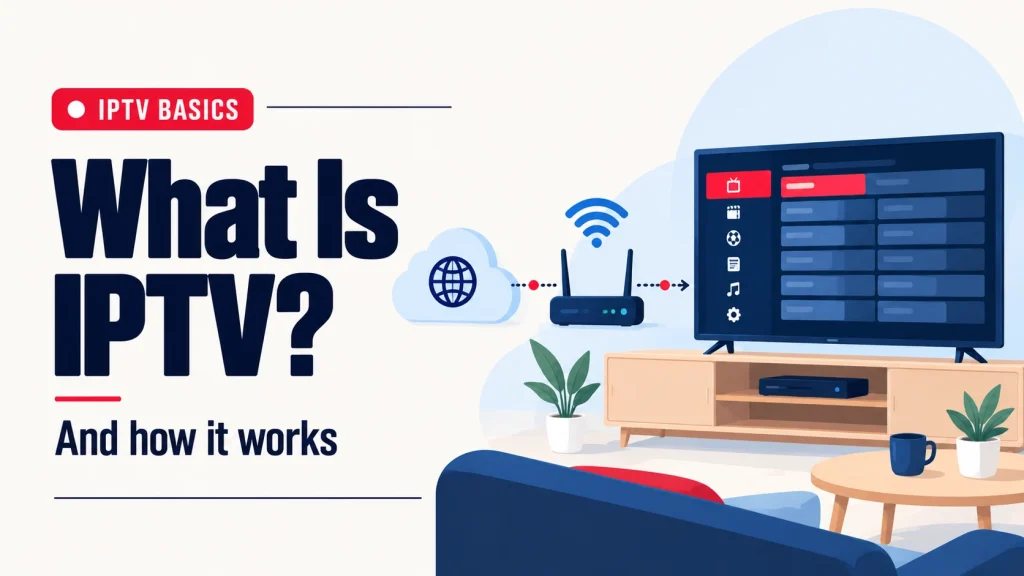
Short answer: IPTV (Internet Protocol Television) is TV delivered over your internet connection instead of a cable line, a satellite dish or an antenna. You install an app, sign in, and watch live channels, movies and series on the screens you already own.
What does IPTV stand for?
IPTV stands for Internet Protocol Television. “Internet Protocol” is simply the way data travels across the internet. With IPTV, a TV channel reaches your screen the same way a website or a video call does: as data over your home internet.
That is the whole difference from traditional TV. Cable sends channels down a dedicated cable line, and satellite sends them to a dish on your roof. IPTV needs neither. For unfamiliar streaming terms, see our IPTV glossary.
How does IPTV work?
From your side, it takes three steps:
- You install an IPTV player app on your TV, streaming stick, phone or computer.
- You enter the login from your provider. It comes as an M3U link or as Xtream Codes. Both do the same job: they tell the app where your channels are.
- Your channels load. Pick a channel and it starts streaming. A built-in TV guide (EPG) shows what’s on now and next, just like cable.
Behind the scenes, each channel is sent to you as a continuous stream of small pieces of video. Your app plays them in order as they arrive. That is why your internet speed matters: the faster and steadier your connection, the smoother the picture.
What is an IPTV service, and what can you watch?
An IPTV service is a subscription that gives you the login for your IPTV player app. It usually has two parts:
- Live TV: channels that play in real time, such as sports, news, kids’ channels and international channels.
- On demand: a library of movies and series you start whenever you like.
As an example, every plan from IPTV Subscription Now includes 17,463+ live channels, 71,278+ movies and 18,850+ series. You can see how the lineup is organized on our channel categories page.
What do you need to use IPTV?
- An internet connection. We recommend at least 25 Mbps for smooth HD and Full HD streaming.
- A device. A Firestick, Smart TV, Android TV, Apple TV, iPhone, iPad, Android phone, Windows PC or Mac all work. See the full list of supported devices.
- An IPTV player app installed on that device.
- A subscription that gives you the login details.
You do not need a new box, a dish or a technician visit.
IPTV vs cable: the main differences
| Cable TV | IPTV | |
|---|---|---|
| How it reaches you | Cable line and a set-top box | Your internet connection and an app |
| Equipment | Provider’s box | The devices you already own |
| Where you can watch | Where the box is installed | TV, phone, tablet or computer |
| Depends on | The cable line | Your internet speed |
How do you get started?
The simplest way to understand IPTV is to try it. You can ask us for a 24-hour IPTV free trial on WhatsApp, with no card needed, and test it on your own TV. When you are ready, choose an IPTV subscription for 1, 3, 6 or 12 months.