
What Is EPG on IPTV? How the IPTV TV Guide Works
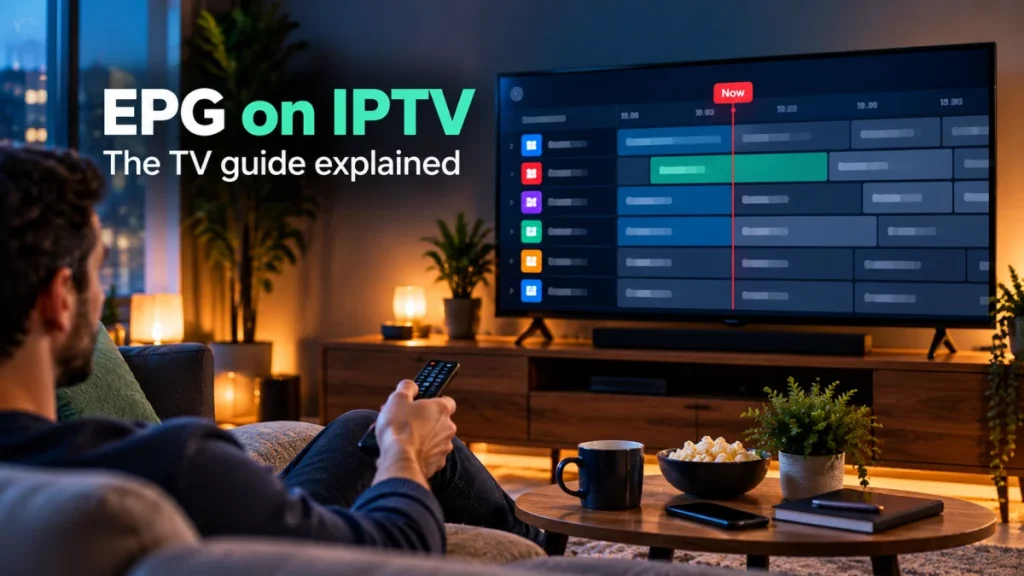
Short answer: EPG on IPTV stands for electronic program guide: the on-screen TV guide in your player app that shows what is on now and next on each channel. Every IPTV Subscription Now plan includes the full TV guide alongside 17,463+ live channels from the US and around the world, so you can browse live TV the way you would on cable.
To see how the service works as a whole, start with what IPTV means.
If you have ever scrolled a cable box grid to see what is on tonight, you already know what an EPG does. This guide explains what EPG on IPTV means, where the guide data comes from, what you can do with it, and what to try when the guide is empty or shows the wrong times.
What does EPG mean on IPTV?
EPG is short for electronic program guide. On IPTV, it is the schedule that sits on top of your live channels: a list of programs for each channel, with a title, a start time, an end time and often a short description.
So what is EPG in IPTV terms, compared with the channel list itself? The channel list tells your app where each live stream is. The EPG tells it what is playing on that stream and when. Without a guide, you still get the channels, but you have to open them one by one to find out what is on. With a guide, you can see the whole evening at a glance.
Most player apps show the guide in one or more of these ways:
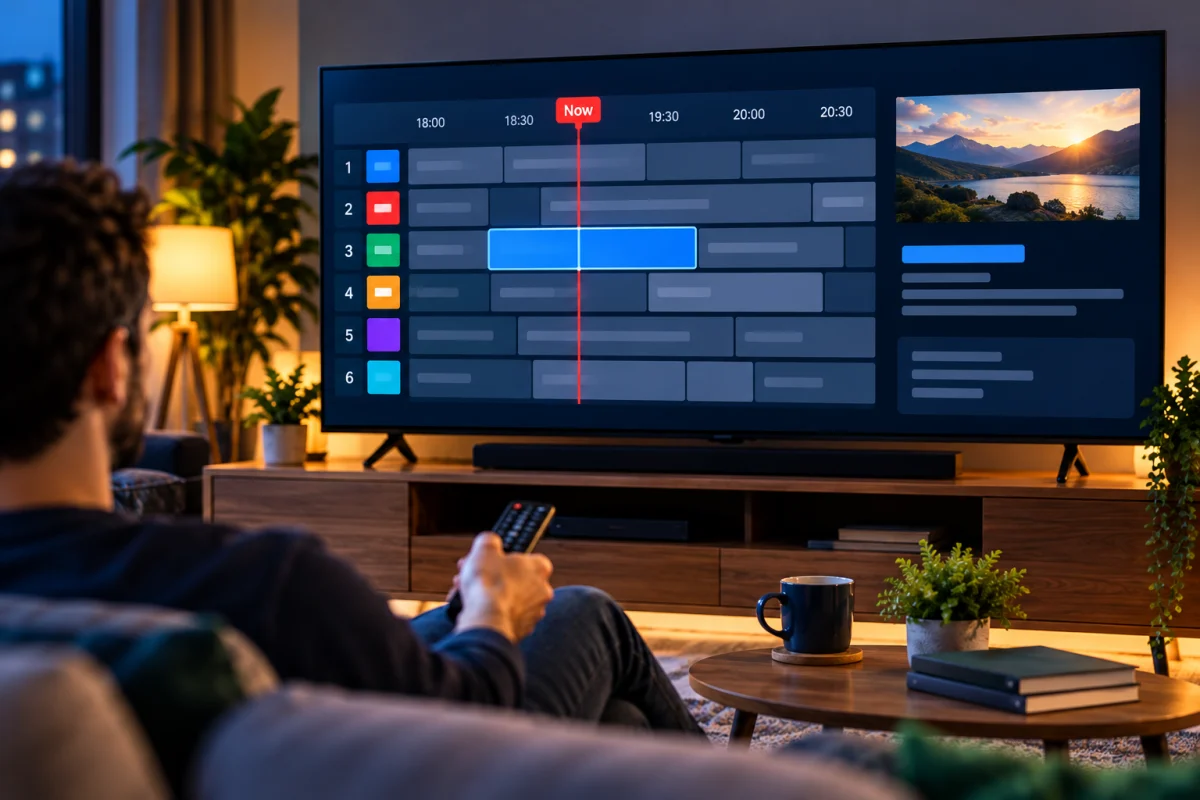
- A full grid: channels down the side, time across the top, and a block for each program.
- A now-and-next line: the current program and the one after it, shown next to each channel in the list.
- A mini guide: a small banner that appears over the picture when you change channel, with the program name and a progress bar.
- Program details: a short description, the start and end time and the category when you select a program.
How does the IPTV guide work?
An IPTV guide has three parts: the guide data, the link between that data and your channels, and the app that draws it on your screen.
Guide data is a schedule file
Behind the scenes, the guide is a schedule file that lists the programs for each channel, hour by hour. The file is usually in a standard format called XMLTV. Your player app downloads it, stores it on the device and refreshes it from time to time so the upcoming programs stay current.
Each channel is matched to its schedule
Every channel in your list carries an ID, and the app uses that ID to find the matching schedule in the guide file. When the two match, the program information appears next to the channel. When a channel has no matching schedule, the app shows a blank row or a message such as “No information” for that channel, even though the channel itself plays normally.
Your login decides how the guide loads
How the guide reaches your app depends on how you sign in. With an Xtream Codes login (a server address, a username and a password), most player apps pull in the TV guide automatically along with the channels, movies and series. With an M3U link, many apps need the guide added as a separate link, often labeled “EPG URL” or “XMLTV URL” in the playlist settings. Our guide to M3U links and Xtream Codes explains the two formats in more detail.
The app draws the guide its own way
The guide data is the same whatever you use, but each player app lays it out differently. Some open on a full grid, others on a channel list with now and next. If you prefer one view over another, look in the app’s settings: most let you change the guide layout, the number of hours shown and the colors.
What can you do with an IPTV TV guide?
A good TV guide turns a long channel list into something you can actually use. With the guide in your app, you can:
- See what is on right now across many channels without switching between them.
- Plan your evening by scrolling ahead to the programs coming up later.
- Browse by category, such as news, movies, kids or sports, when the app groups channels that way.
- Check start times for live games and events in your own time zone. This matters for sports and for PPV events on IPTV, which often start at a different hour from where they take place.
- Search for a program by name, if your app offers guide search.
- Build a favorites list so the guide opens on the channels you watch most.
With thousands of channels, the guide is also the fastest way to explore. Our IPTV channels page shows how the channel list is organized by country, and the guide shows what each of those channels is playing.
See the guide on your own TV. Ask for a 24-hour IPTV free trial on WhatsApp. You get full access, including the TV guide, no card is needed, your login arrives within minutes, and the trial ends by itself. Request your free trial on WhatsApp.
IPTV guide vs cable box guide
An IPTV guide does the same job as the guide on a cable box. The difference is mostly where it lives and how you control it.
| Cable box guide | IPTV guide (EPG) | |
|---|---|---|
| Where it lives | Inside the cable company’s box | Inside the player app on a device you own |
| What it shows | Programs on the channels in your package | Programs on the live channels in your plan, now and next and ahead |
| How it updates | Pushed by the cable company | Downloaded by the app and refreshed automatically or on request |
| Look and layout | Fixed by the box | Depends on the app, and most apps let you change it |
| Extra cost | Part of the box rental and package | Included in every plan we sell |
If you are weighing the switch, our comparison of IPTV vs cable covers the full cost picture, not just the guide.
Why is my IPTV guide empty or wrong?
Most guide problems come down to the guide data not loading yet, not refreshing, or showing the wrong time zone. These checks fix the common cases on any app.
The guide is empty after you sign in
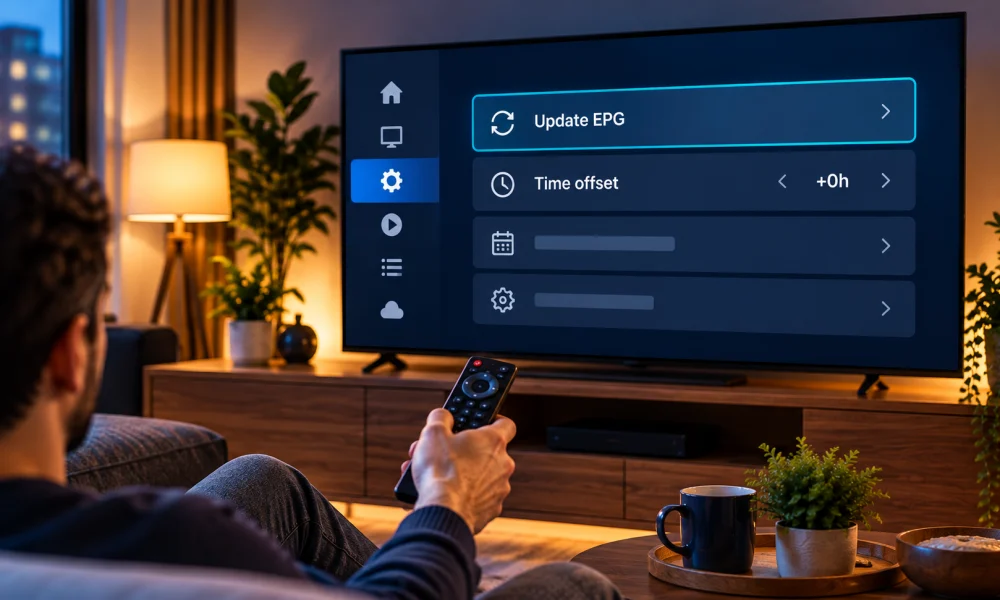
The first download can take a minute or two, especially with a long channel list. Leave the app open on the live TV section, then check again. If it stays empty, look for an option such as “Update EPG”, “Refresh guide” or “Reload playlist” in the settings. With an M3U link, check that a guide link has been added to the playlist, since many apps do not load one by themselves.
Program times are off by a few hours
If every program starts too early or too late by the same amount, the guide data is fine and the time zone setting is not. Most apps have a “time offset”, “time shift” or “EPG time zone” option. Set it to match your local time, then refresh the guide. Also check that the date, time and time zone on the device itself are correct.
The guide stops after a day or shows old programs
The app has not refreshed the guide data. Run “Update EPG” by hand, or turn on automatic updates if your app has that option. Restarting the app, or the device if it has been on for days, also clears most stale data.
One channel shows “No information”
If the rest of the guide works, the channel simply has no matching schedule in the guide data at that moment. The channel still plays. On any IPTV service, this is most common with channels that only carry a one-off event.
Still stuck? Message our IPTV support team on WhatsApp with the name of your app, your device and what the guide shows. Support is open 24/7.
Does every IPTV subscription come with a TV guide?
Not always. Some services sell the guide as an extra, or leave you to find guide data on your own. Before you pay, check that the guide is included, that it loads with the login you will use, and that it covers the channels you care about. A free trial is the easiest way to check all three on your own screen.
With us, IPTV with TV guide is the standard, not an upgrade. Every IPTV subscription we sell includes the full TV guide (EPG), along with 17,463+ live channels, 71,278+ movies, 18,850+ series, HD and Full HD streams, M3U and Xtream Codes logins and 24/7 support. The four plans differ only in length, from $11.99 for one month, and you pay once, with no contract and no automatic renewal.
That makes the choice simple for anyone looking at IPTV USA options: pick the length that suits you on our cheap IPTV subscription plans page. The 12-month IPTV subscription gives you the lowest price per month, and every plan comes with a 30-day money-back guarantee.
EPG on IPTV: your questions
What does EPG stand for on IPTV?
EPG stands for electronic program guide. It is the TV guide inside your player app that lists the programs on each live channel, with start and end times and often a short description.
Is the TV guide included in every plan?
Yes. All four plans, from 1 month to 12 months, include the full TV guide (EPG) at no extra cost, along with the same channels, movies and series.
Does the IPTV guide work with M3U and Xtream Codes?
Yes. With an Xtream Codes login, most player apps load the guide automatically. With an M3U link, many apps need the guide added as a separate EPG link in the playlist settings. If you are not sure, ask us on WhatsApp.
How do I update the EPG on IPTV?
Look for an option such as Update EPG, Refresh guide or Reload playlist in your app settings. Many apps also refresh the guide on their own. Restarting the app clears most out-of-date guide data.
Why are the times in my IPTV guide wrong?
When every program is off by the same number of hours, the time zone setting is the cause. Set the time offset or EPG time zone in your app to your local time, check the clock on your device and refresh the guide.